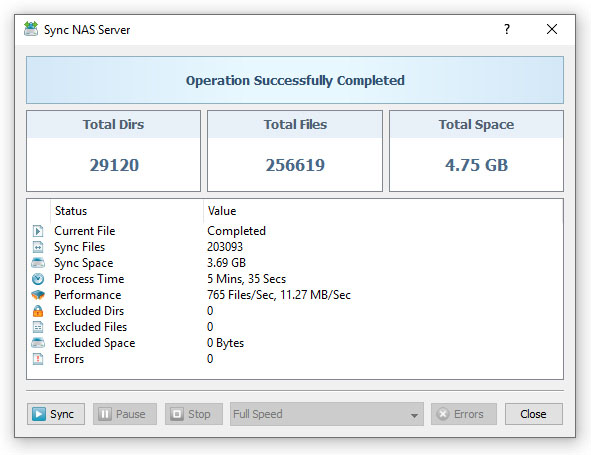
Advanced users are provided with the ability to exclude specific files or file categories from the file synchronization process. In general,
SyncBreeze provides a large set of files matching rules with positive operators, intended to positively match files, and negative operators,
allowing one to exclude specific types of files or file categories from the file synchronization process.

For example, in order to exclude all types of video files from the file synchronization process, open the file synchronization command dialog,
select the 'Rules' tab and add a file matching rule 'Not Categorized As: Movies, Clips and Video Files'. Multiple types of file matching rules
excluding files by the category, file name, file size, extension, etc. may be added to any file synchronization operation allowing one to
effectively exclude specific files or file categories.

For example, in order to exclude all MPG files by the file extension, open the file sync command dialog, select the 'Rules' tab and add a file
matching rule 'File Extension Not Equal: MPG'. During the file synchronization operation, SyncBreeze will process files that should be
synchronized and exclude files according to the specified file matching rules.