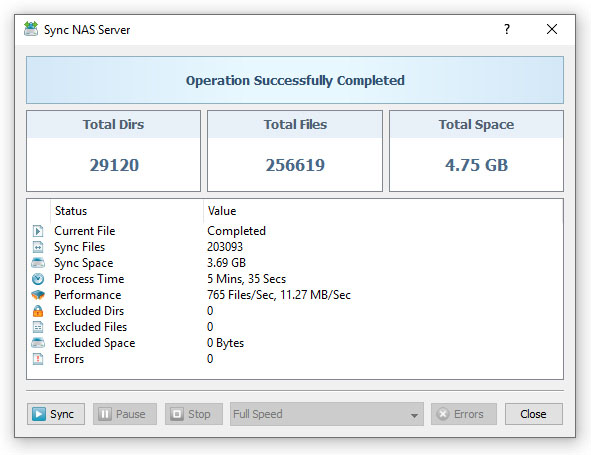
In addition to error E-Mail notifications, SyncBreeze Enterprise allows one to send sync status notifications showing file synchronization
history statistics for a file synchronization command. By default, status notifications are disabled, but the user is provided with
the ability to enable status notifications for any file synchronization command.

When enabled, status notifications are sent for all successfully completed and failed file synchronization operations. A file synchronization
status notification shows the total number of file synchronization operations for the sync command, the total number of synchronized files,
the total amount of synchronized disk space and the total number of file synchronization errors. In addition, a sync status notification
shows a history of last X file sync operations according to the number of history sync tasks configured on the 'Advanced Server Options' page.

In order to enable status E-Mail notifications, open the SyncBreeze Server options dialog, select the 'E-Mail' tab and specify an SMTP server
host name (or IP address), E-Mail account and password to use to send E-Mail notifications. In addition, open the sync command dialog,
select the 'Misc' tab, enable the status E-Mail notifications option and specify a destination E-Mail address to send notifications to.