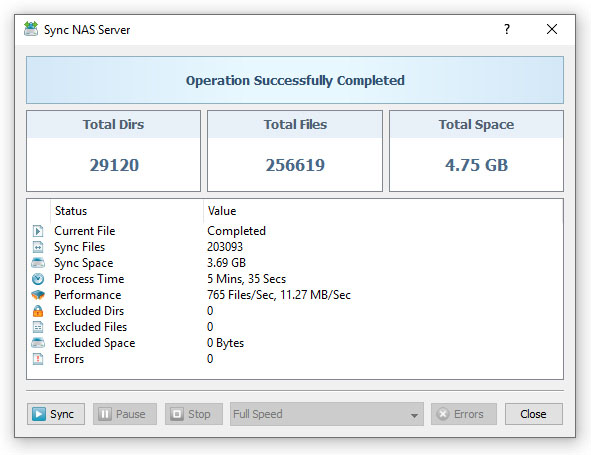
SyncBreeze Enterprise provides a complete web-based management interface allowing one to control, configure and manage
one or more SyncBreeze Servers using a regular web browser from any computer on the network. In order to enable the
web-based management interface on a SyncBreeze Server, connect to the server using the SyncBreeze client GUI application,
open the 'Options' dialog, select the 'Server' tab, enable the 'Web Server' option and press the 'Save' button.

By default, the SyncBreeze web server uses the TCP/IP port 80, which is a standard port used by web browsers
to connect to web servers. Sometimes, the standard web access port may be in use by other applications or
services installed on the server preventing the SyncBreeze web interface to operate properly. In this case,
the user needs to change the web access port number and then, in order to connect to the custom port,
type in the web browser address bar: http://server-name:port-number.
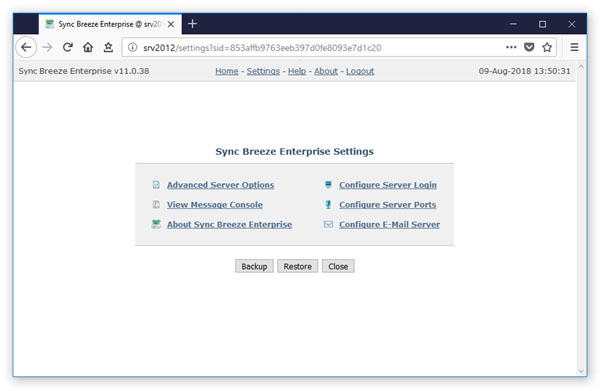
The SyncBreeze Enterprise web-based interface is a dynamic web application, which automatically updates the status
and progress of active file synchronization operations, and in order to operate properly, the web based interface
requires JavaScript to be enabled in the web browser.