|
|
|
|
Using SyncBreeze GUI Layouts
In order to improve GUI usability, the SyncBreeze main GUI application provides three user-selectable GUI layouts. Press the 'Layouts' button to switch the GUI application to the next GUI layout. 
The first (default) GUI layout displays large toolbar buttons with descriptive text labels under each button and uses large icons to show user-defined file synchronization commands in the commands view. 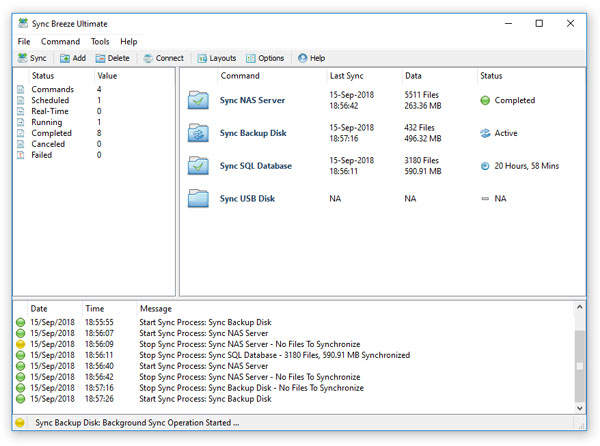
The second GUI layout displays small toolbar buttons with descriptive text labels beside each button and uses small icons to show user-defined file synchronization commands in the commands view. 
The third GUI layout displays small toolbar buttons without descriptive text labels, uses small icons to show user-defined file synchronization commands and shows the command name only for each command in the commands view.
|
SyncBreeze News
|