SyncBreeze GUI Screenshots | ||||||||
SyncBreeze Main GUI Application
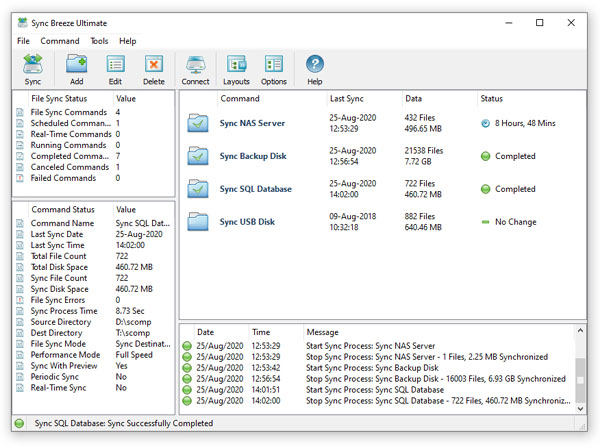
The SyncBreeze main GUI application allows one to configure and control file sync operations. The user is provided with multiple file synchronization modes, performance tuning options, periodic file synchronization operations, real-time file synchronization operations, bit-level file synchronization, file synchronization logs and error notifications.
File Synchronization Modes
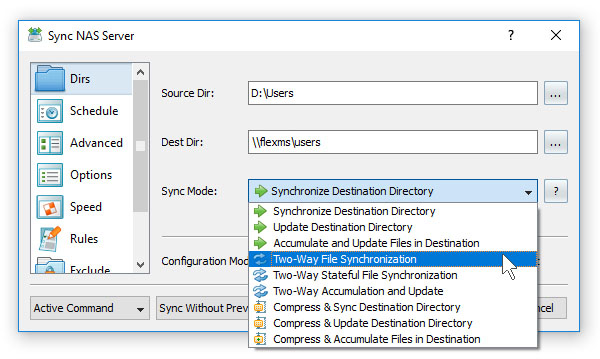
SyncBreeze provides a number of one-way and two-way file synchronization modes optimized for different usage scenarios. Users can setup a number of file synchronization commands with each one pre-configured to synchronize files according to user-specific needs and requirements.
File Synchronization Preview Dialog
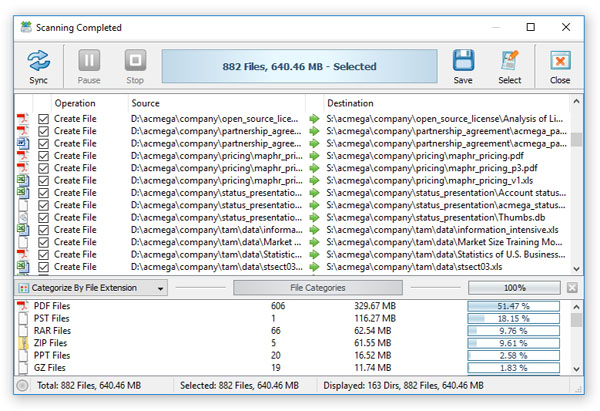
The file synchronization preview dialog shows all sync actions that should be performed and allows one to select/unselect specific actions. The preview dialog is displayed in the 'Preview' file synchronization mode and it may be effectively used for small-sized to medium-sized file systems. For large file systems containing millions of files, SyncBreeze provides the 'Stream' file synchronization mode, which synchronizes files on-the-fly, without showing the preview dialog.
File Synchronization Schedule Options

The file synchronization schedule tab allows one to configure periodic file synchronization operations, scheduled file synchronization operations, real-time file synchronization operations and control the file synchronization timeout.
Advanced File Synchronization Options

The advanced file synchronization options tab allows one to control the file copy mode, file copy verification mode, file synchronization performance mode, the number of parallel file synchronization streams and configure recoverable file copy operations.
File Synchronization Rules
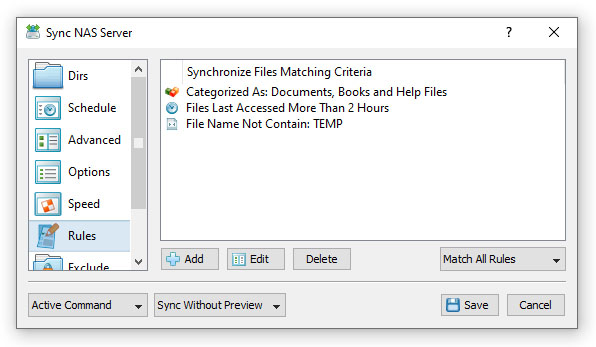
The file synchronization rules dialog provides the ability to synchronize specific types of files or file groups using one or more flexible file matching rules. In addition to positive file matching rules specifying which types of files to synchronize, the user can configure negative file matching rules specifying which types of files or groups of files to exclude from the file synchronization process.
File Synchronization Exclude Directories
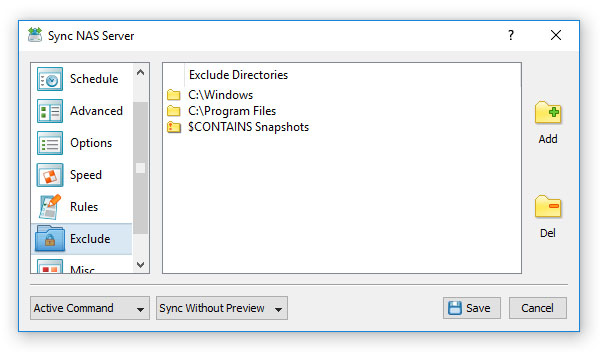
SyncBreeze provides the ability to exclude one or more directories from the file synchronization process. In addition, the user is provided with a number of exclude macro commands allowing one to exclude groups of directories using text patterns and regular expressions.
File Synchronization Options
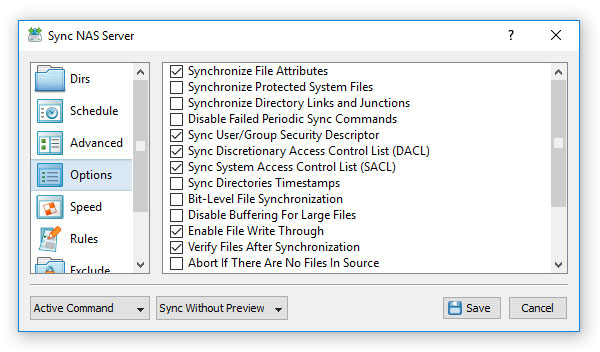
The file synchronization options dialog provides the user with the ability to optionally synchronize file attributes, user/group security descriptors and security access control lists (ACLs and DACLs), enable bit-level file synchronization and enable verification of each synchronized file.
SyncBreeze Command Line Utility

In addition to the desktop GUI application, power computer users and IT professions are provided with the SyncBreeze command line utility, which can be used to sync directories and/or execute pre-configured file synchronization commands from shell scripts and batch files.
File Synchronization Server

IT professionals and enterprise customers are provided with SyncBreeze Server - a dedicated file synchronization server, which runs in the background as a service and is capable of synchronizing disks, directories or NAS storage devices in a fully automatic and unattended mode. SyncBreeze Server may be controlled through the network using the SyncBreeze client GUI application or the SyncBreeze command line utility.
Web-Based Management Interface
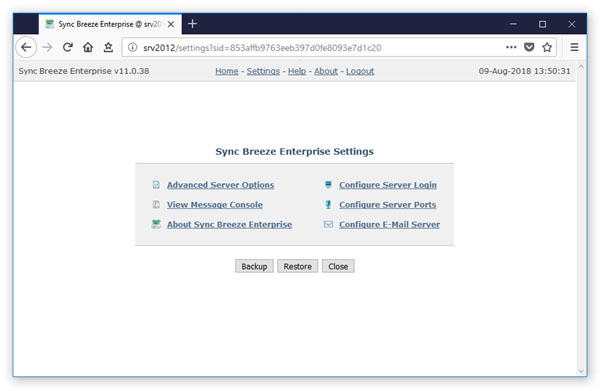
In addition to the client GUI application, SyncBreeze Server provides a complete web-based management interface allowing one to control, configure and manage one or more SyncBreeze Servers using a regular web browser locally or through the network.
|

|

|


